













Name:
Model:
Detail:
Condition:
Price:
Original price was: $3,200.00.$2,916.00Current price is: $2,916.00.
Original, factory-verified
Extended, enterprise-grade
Proven, deployment-focused
Quantity:
Payment:

 +1 (512) 885-5387
 info@jazzcybershield.com
You may return a product within 30 days of the delivery date and the proccessing time is 15 days.

Found it cheaper? Let us know! We're committed to offering the lowest prices around.
High-speed scanning up to 30 pages per minute
Automatic document feeder for batch scanning
Supports PDF, TIFF, and JPEG file formats
Network and cloud connectivity for easy sharing
Integrated image enhancement for clarity and accuracy
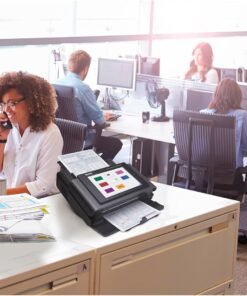
Compact, desktop-friendly design for small office spaces
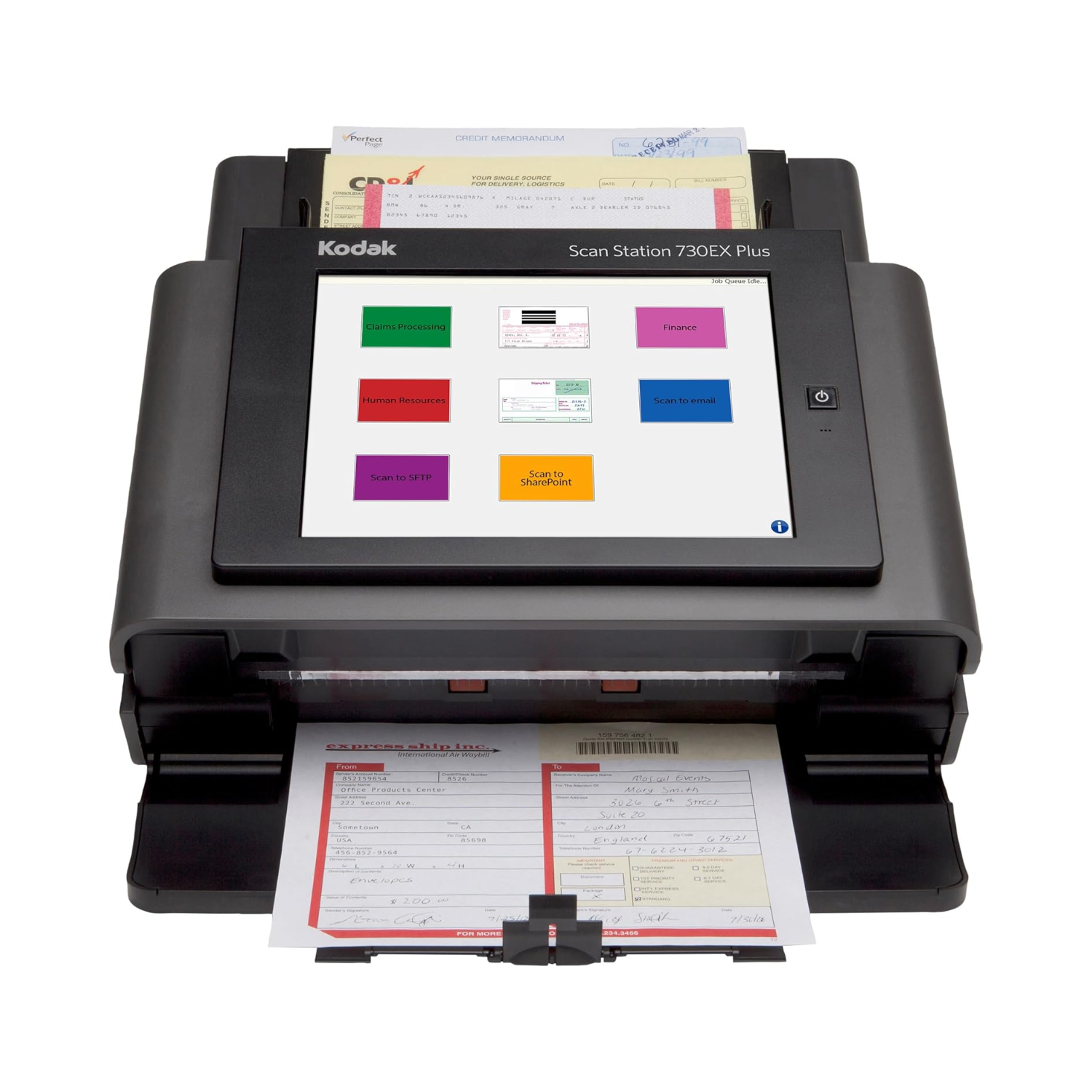
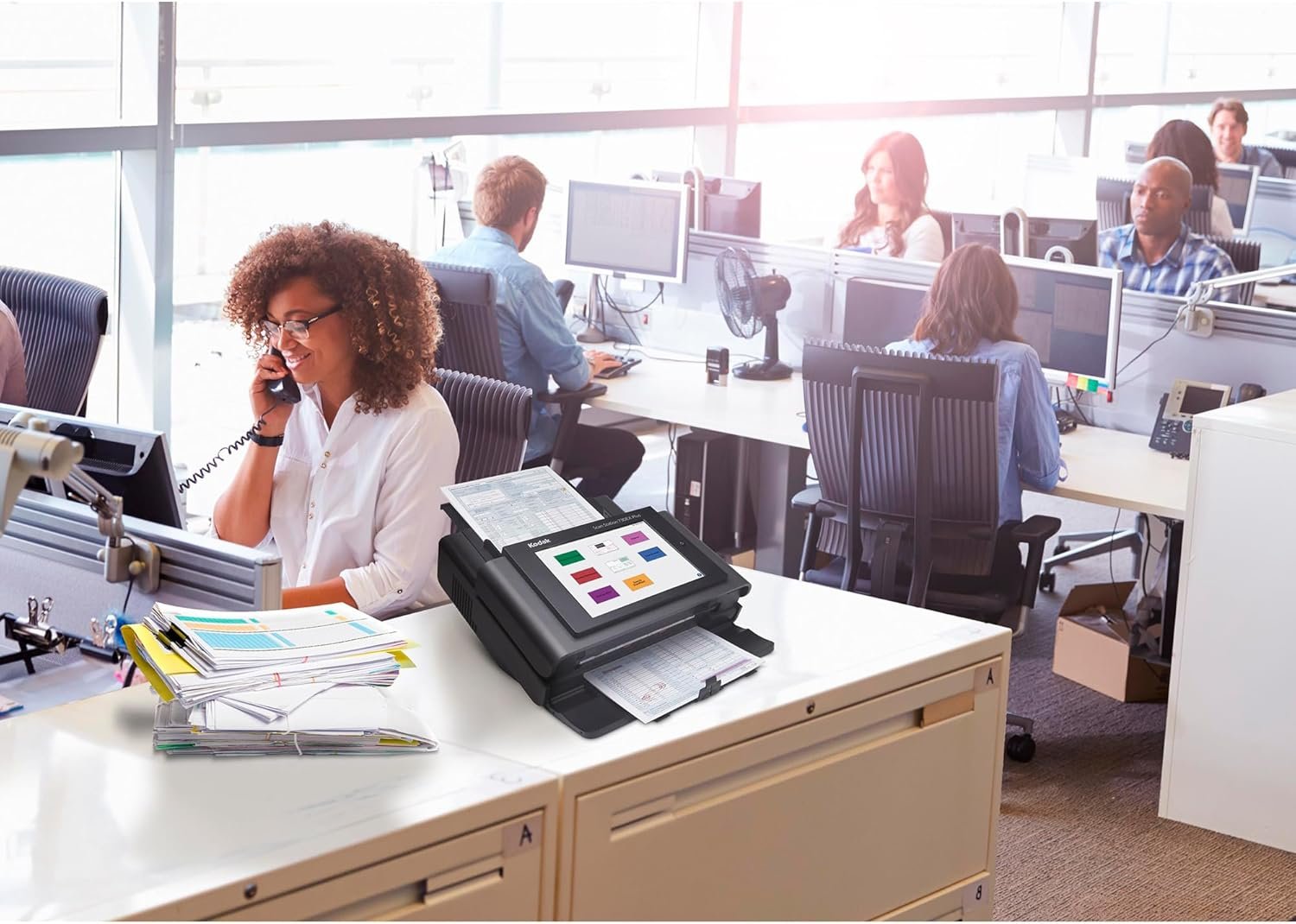
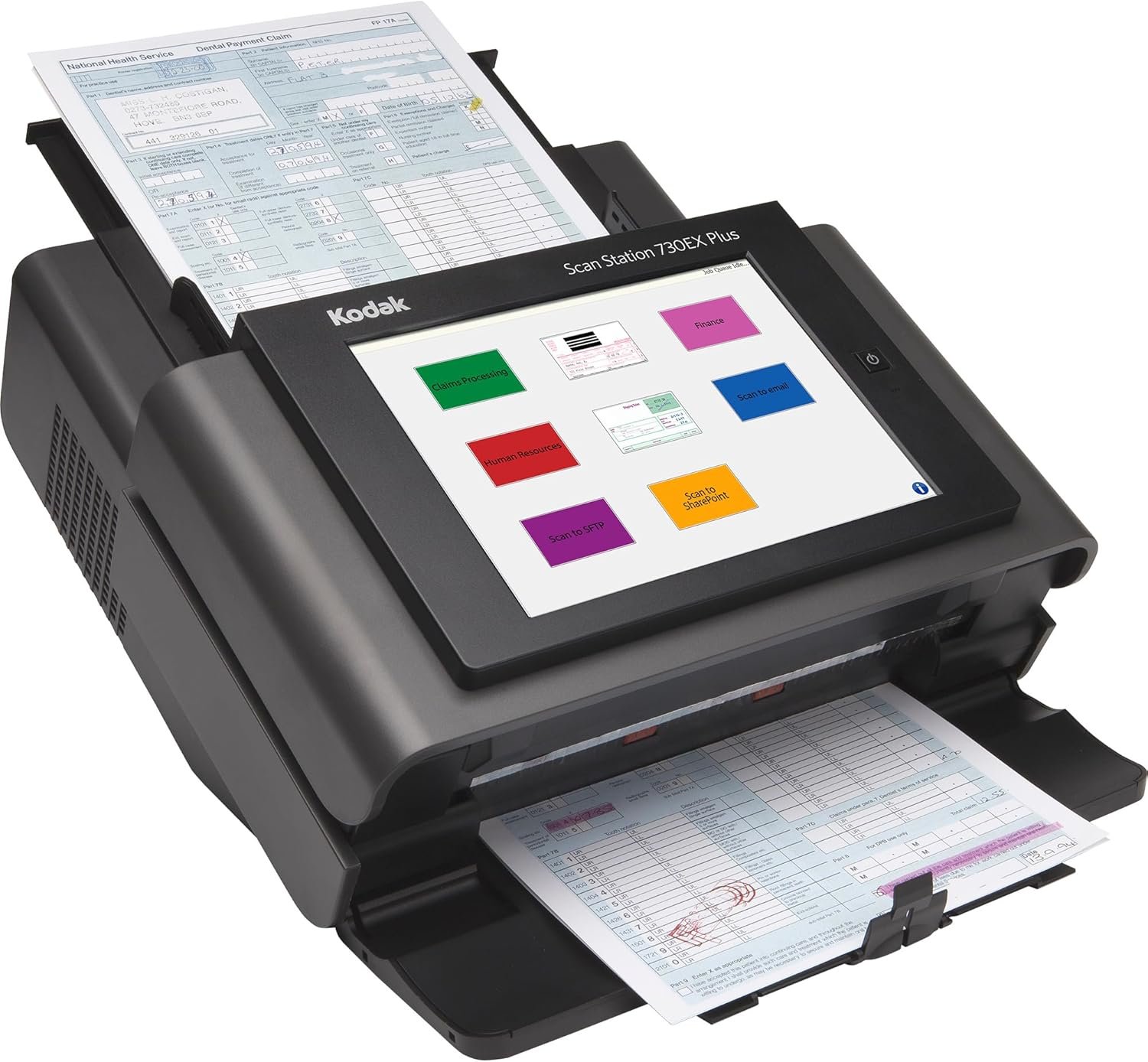
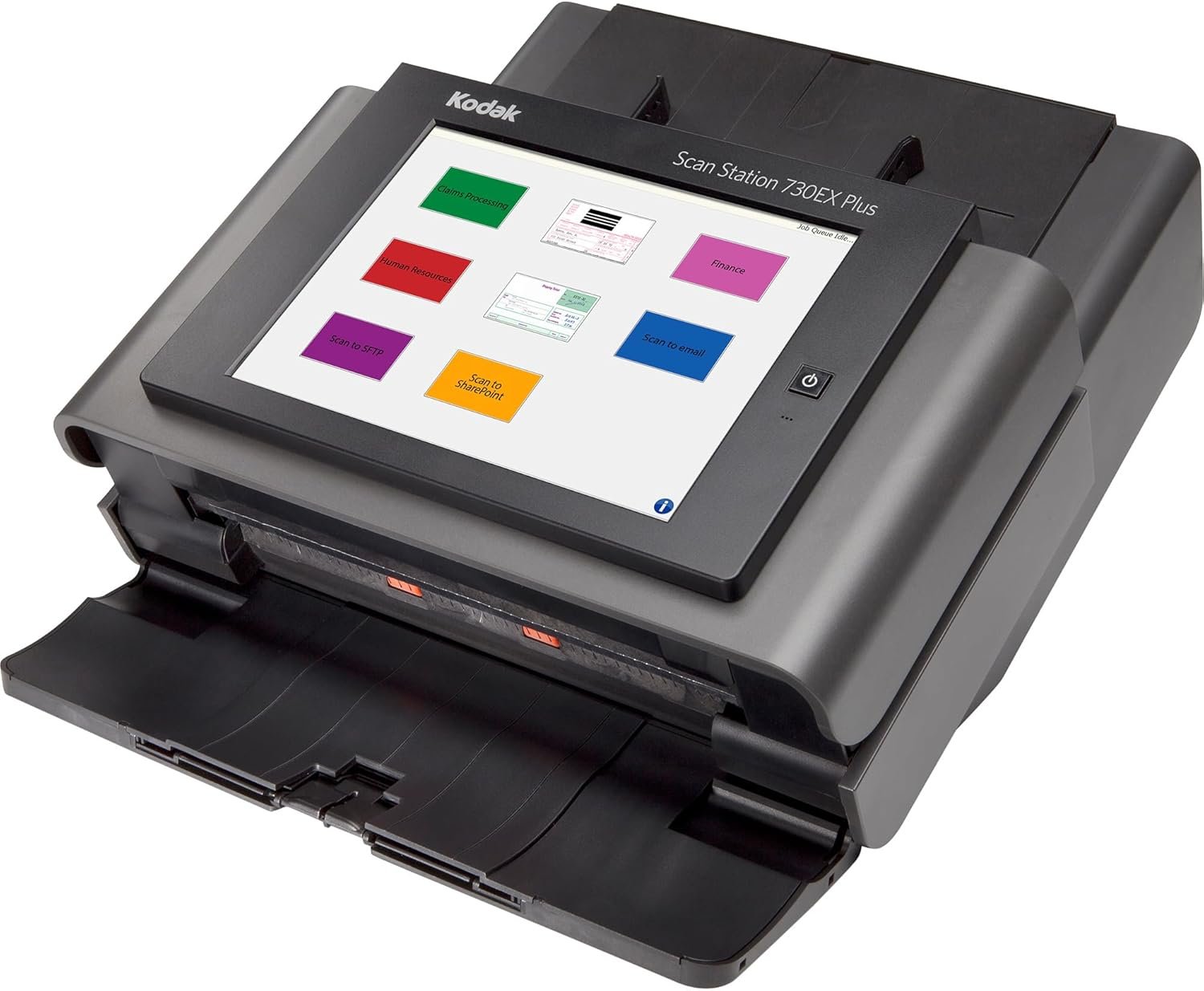
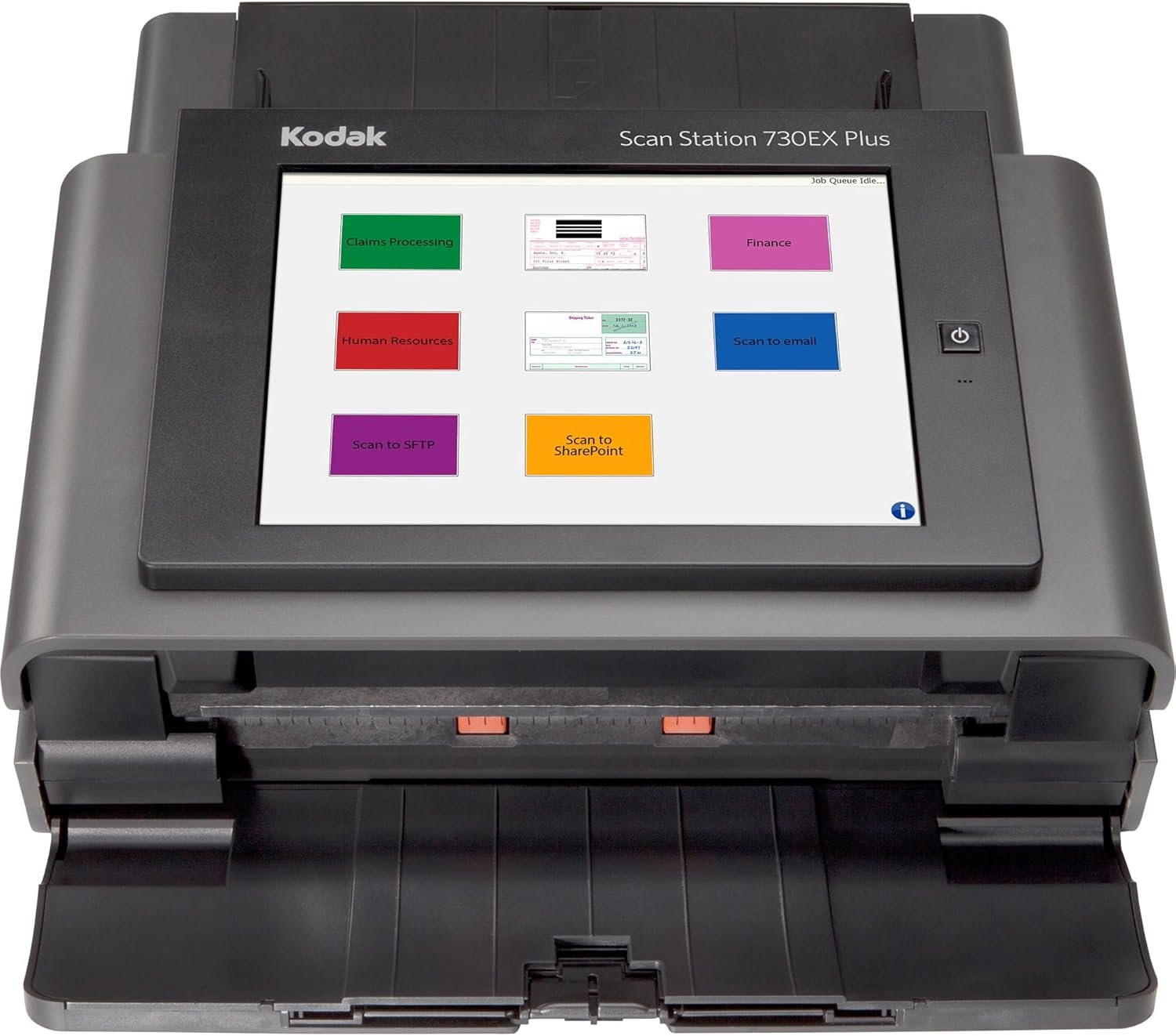
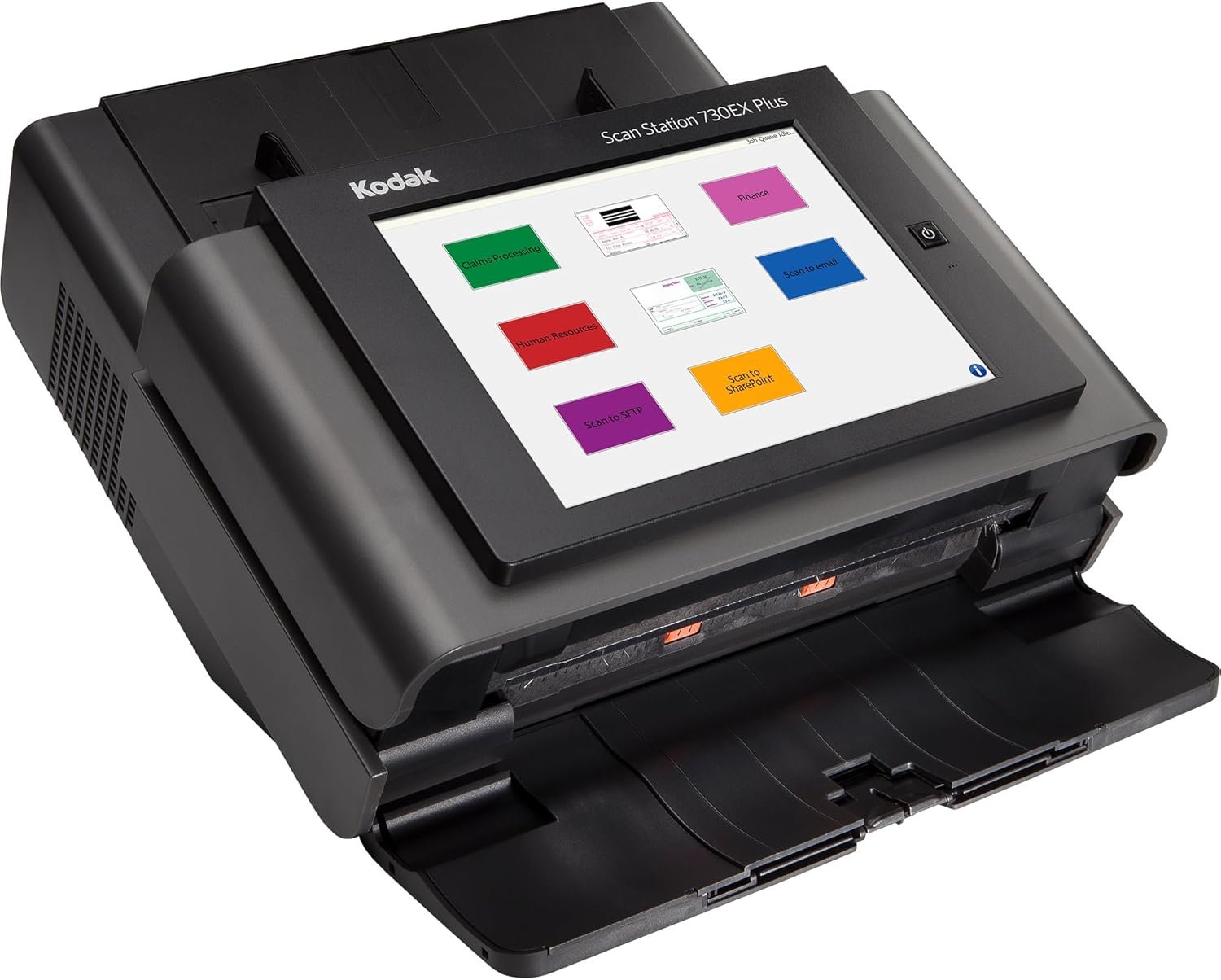
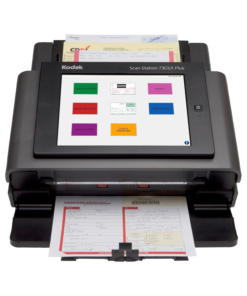
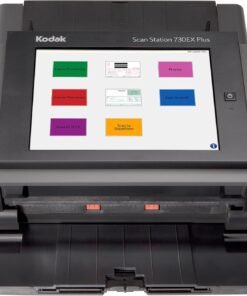
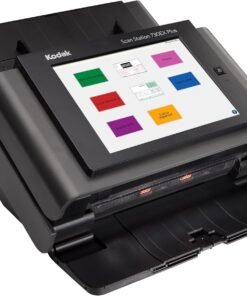
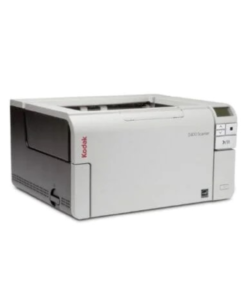
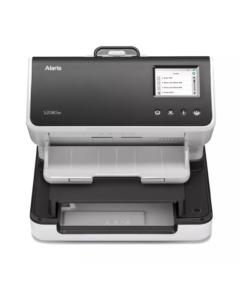
The Kodak ZH0122 Scan Station 730EX Document Scanner is a reliable desktop scanner designed to streamline document management for businesses and offices. It offers fast and efficient scanning, handling high volumes of paperwork without compromising on image quality. Moreover, its compact design makes it ideal for any desktop setup, providing both convenience and productivity. This scanner simplifies digitizing documents while maintaining accuracy and clarity, making it a practical choice for modern offices.
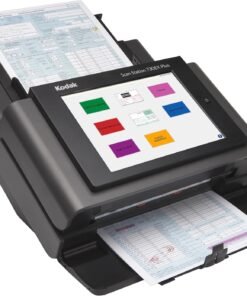
The Scan Station 730EX features a high-speed scanning capability, allowing users to scan hundreds of pages per day effortlessly. It supports color, black-and-white, and grayscale scanning, ensuring every document is captured accurately. Additionally, the scanner includes automatic document feeding, which reduces manual effort and saves time during repetitive tasks. It also supports multiple file formats such as PDF, TIFF, and JPEG, making document storage and sharing simple. Furthermore, integrated image enhancement tools automatically correct alignment, remove blank pages, and improve clarity for professional results.
The scanner also offers network connectivity options, allowing direct scanning to email, network folders, or cloud storage. This functionality improves workflow efficiency, especially in collaborative environments. In addition, the device includes security features to protect sensitive data during the scanning process. Therefore, it is suitable for offices that require both high performance and secure document handling.
Choosing the Kodak ZH0122 Scan Station 730EX ensures reliable, fast, and high-quality scanning every time. Its combination of speed, accuracy, and ease of use sets it apart from other desktop scanners. Moreover, its automatic feeding and image correction tools significantly reduce errors and save valuable time. The compact design fits neatly on any desk, while network and cloud connectivity provide modern flexibility for businesses. Additionally, the scanner’s ability to handle large volumes efficiently makes it ideal for both small and medium-sized offices.
In addition, the Kodak 730EX comes with energy-saving features, reducing power consumption without affecting performance. It also supports batch scanning, allowing multiple documents to be processed continuously, which increases productivity. Furthermore, the scanner is compatible with a variety of operating systems, ensuring flexibility for any office setup. Customer support and software updates from Kodak further enhance its usability and longevity. As a result, users can rely on this scanner for consistent performance and minimal maintenance.
| specification | details |
|---|---|
| model | ZH0122 Scan Station 730EX |
| type | desktop document scanner |
| color | black |
| scan speed | up to 30 pages per minute (ppm) |
| automatic document feeder | yes |
| color depth | 24-bit color |
| supported formats | PDF, TIFF, JPEG |
| connectivity | USB 3.0, Ethernet, network scanning |
| daily duty cycle | up to 2,000 pages |
| dimensions | 13.2 x 7.1 x 8.2 inches |
| weight | 8.6 lbs |
| image enhancement | auto deskew, auto crop, blank page removal |
| operating systems | Windows, Mac OS |
| security features | secure scanning, user authentication support |
Can the Scan Station 730EX operate without being connected to a PC? Yes, the Scan Station 730EX is a standalone network device. It features its own internal processor and operating system, allowing you to scan, process, and send documents directly to their digital destination without the need for a separate computer or driver installation.
How does the voice attachment feature work? The scanner includes an integrated microphone and speaker system. After completing a scan, you can record a short audio message. The device then attaches this WAV file to the document, providing verbal instructions or context for the recipient of the scan.
What destinations can I send my scanned documents to? You can configure the device to send scans to a wide variety of locations, including email addresses, network folders, FTP sites, cloud storage, or even directly to a networked printer. You can also send a single scan to multiple destinations at once.
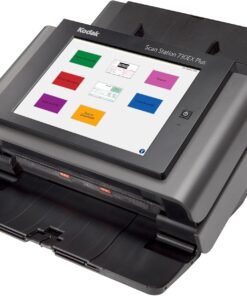
Is the touchscreen easy for non-technical staff to use? The 9.7-inch touchscreen uses a simple, icon-based interface. Administrators can pre-program common tasks into “one-touch” buttons. This allows employees to select a destination and start the scanning process with a single tap, making the machine accessible to everyone.
Does Jazz Cyber Shield ship to Canada and Europe? Yes. Jazz Cyber Shield ships worldwide including USA, Canada, UK, Germany, France, and across Europe with full manufacturer warranty and 30-day return policy included. We manage our logistics carefully to provide fast and secure delivery to our international customers, ensuring your professional equipment arrives in perfect condition.
Only logged in customers who have purchased this product may leave a review.
We're here to assist you with any questions about our products


Fujitsu Scanners
Computer Accessories
Computer Accessories
Computer Accessories
Jazzcybershield.com offers genuine, high-quality ICT products at competitive wholesale prices—ensuring exceptional value without compromising quality.
All items are brand new, original, and factory-sealed. Upon request, each unit can be fully tested and verified by a certified engineer to ensure perfect working condition before shipment.
If you are not satisfied with your purchase, you may request an exchange or full refund. Our customer service team will guide you through the return process quickly and smoothly. Visit Return Policy page for more information.
Our certified experts provide free professional support via phone, email, online chat, or remote login—helping you deploy and troubleshoot with confidence.
We support multiple secure payment and logistics options, backed by industry-leading verification:
Visit How to Pay page for more information
Visit Warranty Policy page for more information
If you encounter issues with products, please reach out to your dedicated sales representative. They will assist with diagnostics, remote troubleshooting, and RMA processing if necessary.
Visit Contact Us page for more support options.

Reviews
There are no reviews yet.