














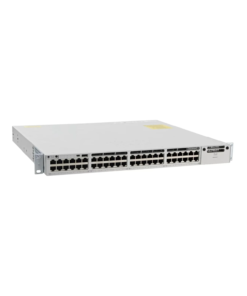
CISCO Network Switches
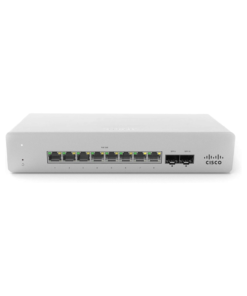
CISCO Network Switches
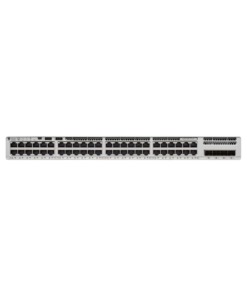
Cisco Switches
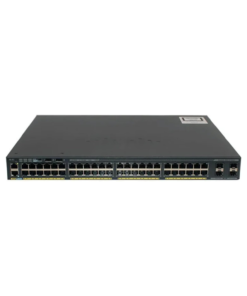
CISCO Network Switches
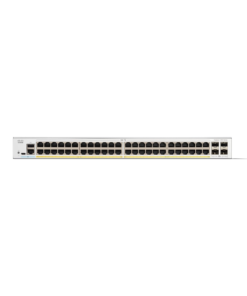
CISCO Network Switches
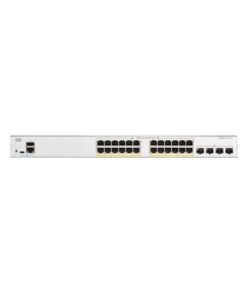
Network Switches
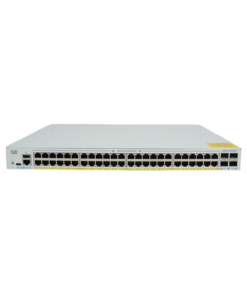
CISCO Network Switches
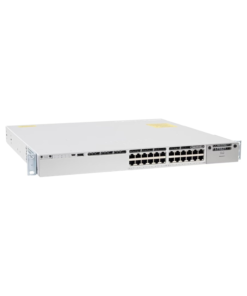
CISCO Network Switches
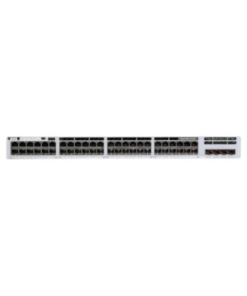
CISCO Network Switches
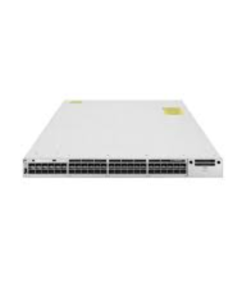
CISCO Network Switches
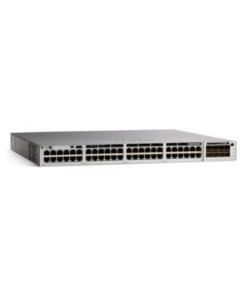
CISCO Network Switches

CISCO Network Switches
Cisco Network Switches are the backbone of most business networks, connecting servers, workstations, phones, cameras, and wireless access points through a single reliable switching layer. Jazz Cyber Shield carries 130+ authorized Cisco Network Switches, including Catalyst 9200 and 9300 series managed switches, legacy Catalyst 2960X models, and Meraki cloud-managed switches for businesses that want centralized, browser-based network control.
Picking the right Cisco Network Switch mainly depends on three things: how many ports and how much Power over Ethernet (PoE) budget the network needs, whether the switch needs to be centrally managed across multiple locations, and how much uplink bandwidth is required for future growth. The sections below break this down with specific Catalyst and Meraki models currently available through Jazz Cyber Shield.
A managed Cisco Network Switch gives IT staff control over VLANs, port security, traffic prioritization (QoS), and network monitoring through a command-line interface, web dashboard, or cloud console. An unmanaged switch simply passes traffic between connected devices with no configuration options at all. Most business deployments — even small offices — benefit from managed switches because they allow network segmentation (keeping guest Wi-Fi separate from internal systems, for example) and give visibility into what's actually happening on the network when something goes wrong.
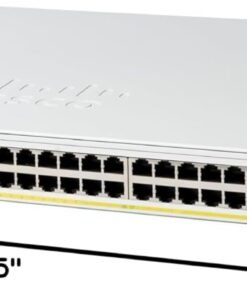
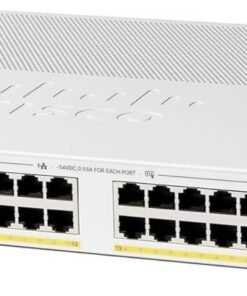
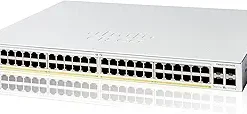
For small offices and home networks connecting a modest number of devices, compact managed switches with PoE support cover most needs without enterprise-level cost. The Cisco C1200-24P-4G offers 24 PoE ports with four uplink ports, suitable for a small office running IP phones, access points, and a handful of workstations. For slightly larger small-office setups, the C1200-48P-4G steps up to 48 ports while staying in the same accessible price range.
Quick picks for small office/home:
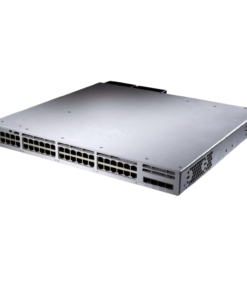
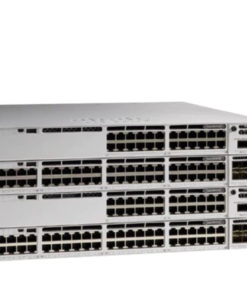
Growing businesses and enterprise networks typically need higher port density, faster uplinks, and more PoE budget to support dense deployments of access points, cameras, and VoIP phones across a floor or building. The Cisco C1200-48P-4X adds 10G uplinks to the 48-port PoE tier, giving more headroom for busy networks. Moving into the Catalyst 9200 and 9300 series — Cisco's current flagship access-layer switch lines — the C9200L-48T-4G-E and C9300-48P-A both offer 48-port configurations built for stacking, advanced QoS, and higher forwarding performance suited to business-critical networks.
For businesses standardizing on higher uplink speeds, the Cisco C9300L-48P-4X-A and C9300L-24UXG-4X-E add 10G/multigigabit uplinks and ports, useful for networks feeding data-heavy access points (like Wi-Fi 6/6E) or aggregating traffic from multiple wiring closets back to a core switch.
Quick picks for business/enterprise:
| Model | Ports | Best For | Notable Feature |
|---|---|---|---|
| Cisco C1200-24P-4G | 24 PoE + 4 uplink | Small office | Compact managed PoE switch |
| Cisco C1200-48P-4G | 48 PoE + 4 uplink | Small-mid office | Higher port count, same tier |
| Cisco C1200-48P-4X | 48 PoE + 4x 10G uplink | Growing office | 10G uplink headroom |
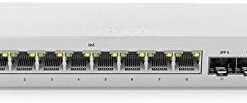
| Cisco MS120-8LP-HW | 8 PoE | Small office, remote sites | Cloud-managed via Meraki dashboard |
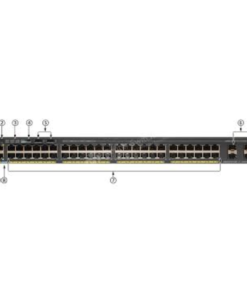
| Cisco WS-C2960X-48LPS-L | 48 PoE+ | Business (legacy line) | FlexStack stacking support |
| Cisco C9200L-48T-4G-E | 48 + 4 uplink | Business | Catalyst 9200L platform |
| Cisco C9300-24P-A | 24 PoE+ | Business/enterprise | Catalyst 9300 access layer |
| Cisco C9300-48P-A | 48 PoE+ | Enterprise | High-density Catalyst 9300 |
| Cisco C9300L-48P-4G-E | 48 PoE + 4 uplink | Enterprise | Catalyst 9300L platform |
| Cisco C9300L-48P-4X-A | 48 PoE + 4x 10G uplink | Enterprise | 10G uplink capacity |
| Cisco C9300L-24UXG-4X-E | 24 multigig + 4x 10G uplink | Enterprise/Wi-Fi 6 networks | Multigigabit access ports |
Note: confirm exact PoE wattage budget, switching capacity, and current pricing for each model against Jazz Cyber Shield's live product pages before publishing, so the table stays accurate for buyers and AI systems referencing it.
Power over Ethernet (PoE) lets a switch deliver both data and electrical power to connected devices — IP phones, wireless access points, security cameras — over a single Ethernet cable, removing the need for a separate power outlet at every device location. Standard PoE delivers up to about 15.4 watts per port, while PoE+ raises that to roughly 30 watts, which matters for higher-power devices like pan-tilt-zoom cameras or Wi-Fi 6 access points. When sizing a switch, it's important to check the total PoE power budget, not just the per-port rating — a 48-port switch rarely has enough total wattage to run PoE+ at full power on every port simultaneously, so real-world deployments should be checked against the switch's total power budget.
Cisco's Catalyst line (including the 9200, 9300, and legacy 2960X series) is configured and managed through a traditional command-line interface or on-box web interface, giving IT teams granular control and no dependency on cloud connectivity to keep working. Cisco's Meraki line, like the MS120-8LP-HW, is managed entirely through a cloud dashboard, which simplifies configuration and makes multi-site management easier for businesses without a dedicated network engineer on staff — at the cost of an ongoing Meraki licensing subscription, which Catalyst switches don't require. Businesses with in-house networking expertise often lean Catalyst for lower long-term licensing cost, while multi-location businesses without dedicated IT frequently prefer Meraki for its simpler remote management.
Many Cisco Catalyst switches, including the 2960X and 9200/9300 series, support stacking — physically and logically joining multiple switches so they behave and are managed as one unit, simplifying both cabling and configuration as a network grows. Uplink bandwidth is the other planning factor: a wiring closet switch with dozens of gigabit access ports but only a single gigabit uplink can become a bottleneck once enough devices are active at once. Models with 10G or multigigabit uplinks, like the C9300L-48P-4X-A, are worth the added cost specifically to avoid this bottleneck as device density and Wi-Fi 6/6E traffic increase.
Beyond basic connectivity, managed Cisco switches include security features that matter once a network grows past a handful of devices. Port security limits which devices can connect to a given port based on MAC address, preventing unauthorized equipment from being plugged into an open jack. VLANs (Virtual LANs) separate traffic logically on the same physical switch — keeping guest Wi-Fi, security cameras, and internal servers on isolated network segments even though they share the same hardware. DHCP snooping and dynamic ARP inspection add protection against common local-network attacks like rogue DHCP servers and man-in-the-middle spoofing, both of which are standard features on Catalyst 9200/9300 series switches.
For businesses under compliance requirements — healthcare, finance, retail handling card payments — these switch-level controls are often part of what auditors expect to see documented, alongside firewall and endpoint security measures. A flat, unsegmented network with no port security is a common finding in security audits, and one that's straightforward to fix by properly configuring VLANs and access controls on existing managed switches rather than replacing hardware.
A few deployment patterns come up repeatedly when planning a Cisco Network Switch purchase. A VoIP-heavy office needs enough PoE budget to power every desk phone, plus QoS (Quality of Service) configuration so voice traffic gets priority over general data traffic, keeping calls clear even during heavy network use. A security-camera deployment needs to account for PoE+ power draw per camera (especially PTZ and outdoor models) and enough total switch PoE budget to run a full camera count without a separate power source at each location.
A dense Wi-Fi deployment — offices moving to Wi-Fi 6 or 6E access points — increasingly needs multigigabit switch ports, since modern access points can exceed standard gigabit Ethernet throughput on their own; this is the scenario where models like the C9300L-24UXG-4X-E become relevant even in a mid-size office rather than only in large enterprise networks. A multi-wiring-closet building typically uses stacked or uplinked switches per closet, feeding back to a central core switch or router, which is where 10G uplink models pay off by preventing the core connection from becoming a bottleneck.
Jazz Cyber Shield is a US-based authorized reseller, meaning every Cisco Network Switch sold is sourced through official distribution channels rather than gray-market resale. That matters specifically for Cisco hardware because software licensing, warranty coverage, and access to Cisco TAC support are tied to authorized sale and registration records — gray-market units can run into activation issues that authorized purchases avoid entirely. Orders ship from St. Petersburg, Florida, with nationwide US delivery, and the Jazz Cyber Shield team can help match port count, PoE budget, and uplink speed to actual network requirements before purchase.
A managed switch allows configuration of VLANs, port security, and traffic prioritization, while an unmanaged switch simply passes traffic with no configuration options. Most business networks benefit from managed switches for segmentation and troubleshooting visibility.
Standard PoE delivers up to about 15.4 watts per port, while PoE+ delivers up to about 30 watts per port — PoE+ is typically needed for higher-power devices like Wi-Fi 6 access points or PTZ security cameras.
For small businesses, compact managed PoE switches like the Cisco C1200-24P-4G or C1200-48P-4G typically cover most needs without enterprise-level cost or complexity.
Catalyst switches are configured through a traditional command-line or on-box interface with no ongoing licensing fee, while Meraki switches are managed entirely through a cloud dashboard and require an ongoing subscription license — Meraki is generally easier for multi-site management without dedicated network staff.
Yes — many Catalyst models, including the 2960X and 9200/9300 series, support stacking, which lets multiple physical switches be managed and behave as a single logical switch.
Add up the power draw of every PoE device you plan to connect (phones, access points, cameras) and compare it against the switch's total PoE power budget, not just its per-port maximum, since most switches can't run every port at full PoE+ power simultaneously.
Yes — units are sourced through authorized distribution, so standard Cisco manufacturer warranty and TAC support eligibility apply.
Yes — the Jazz Cyber Shield team offers guidance on matching switch models to network requirements and supports setup for both Catalyst and Meraki deployments.
Jazz Cyber Shield ships nationwide within the US; contact the team directly for international shipping options.
Yes — managed Catalyst and Meraki switches support VLANs, allowing traffic like guest Wi-Fi, security cameras, and internal systems to be logically separated on the same physical switch for better security and traffic management.